Strategies for Accessible Booth Design at Trade Shows in 2026
Trade shows in 2026 demand more than attention-grabbing visuals. They require accessibility. A booth that welcomes every attendee, regardless of ability, performs better, converts more leads, and builds a stronger brand reputation. Accessibility is no longer a bonus. It’s an expectation—and a competitive advantage.
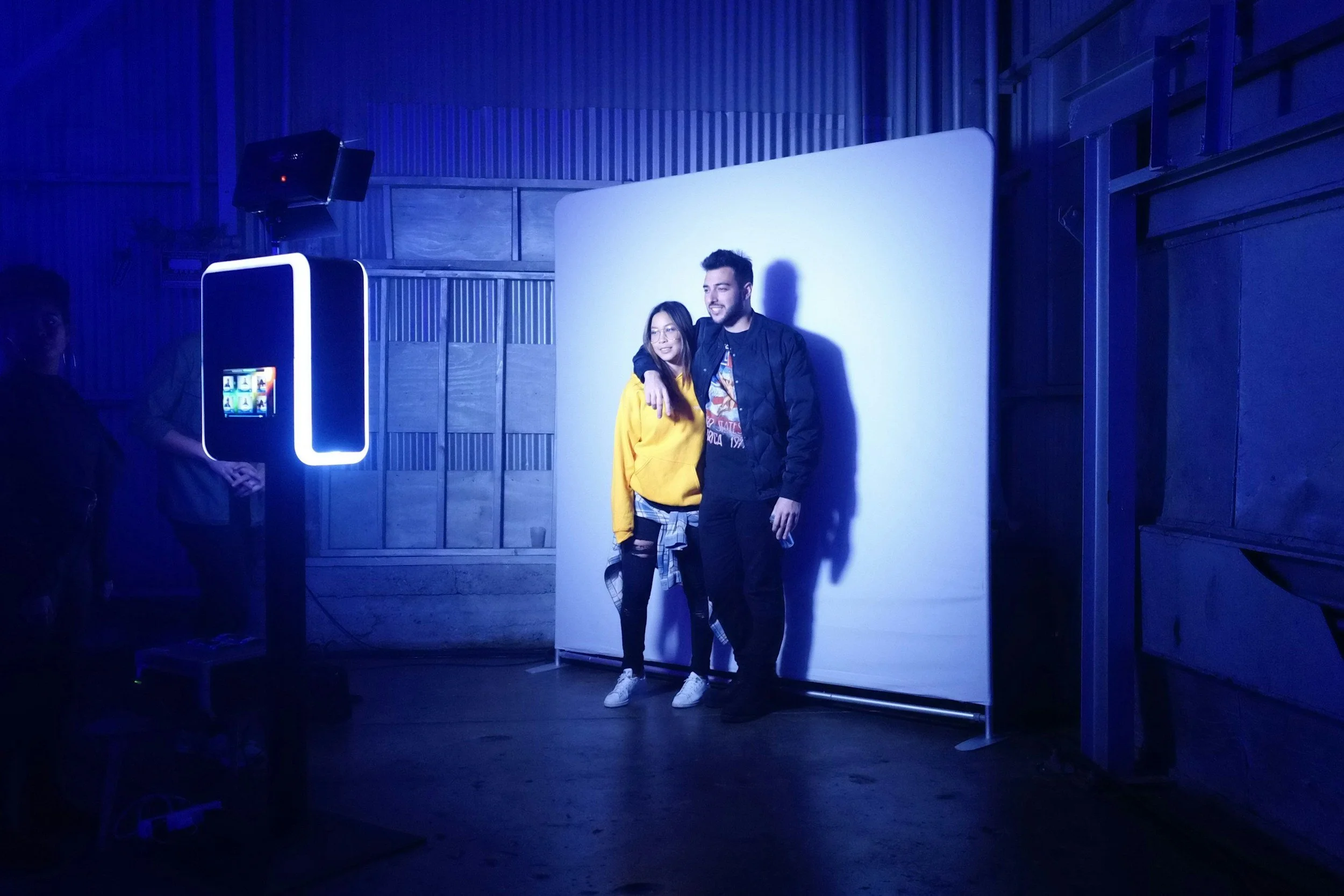
Below is a complete guide to designing an accessible trade show booth in 2026 that supports inclusivity, increases engagement, and boosts brand trust. These strategies apply to booths with photo activations, experiential marketing elements, or any type of exhibit layout.
Understand What Accessibility Means in 2026
Accessibility isn’t limited to wheelchair ramps or wide aisles. In 2026, truly accessible booths support:
·Mobility needs
·Visual and hearing impairments
·Neurodiversity
·Language differences
·Sensory sensitivity
·Digital accessibility for virtual or hybrid participants
When you design with these groups in mind, you remove friction—and friction kills engagement.
Prioritize Wide, Obstacle-Free Pathways
Trade show aisles get crowded. Your booth should provide enough space for wheelchairs, scooters, walkers, and strollers.
Aim for:
·Aisles at least 36–42 inches wide inside the booth
·No blind corners
·No furniture or wiring blocking movement
·Smooth flooring without raised transitions
This immediately increases dwell time because attendees don’t feel boxed in or rushed.
Use Adjustable-Height Interaction Zones
If your booth includes a photo booth, demo station, touchscreen, product display, or lead-capture area, make sure everyone can use it.
Offer:
·Adjustable-height counters
·Touchscreens placed at wheelchair-friendly levels
·Seating options for guests who can’t stand long
·Camera mounts for photo booths that tilt up or down
The more people who can comfortably interact, the more leads you capture.
Create a Sensory-Friendly Experience
Trade shows overwhelm people fast. Sensory accessibility is becoming a top priority in 2026.
Reduce sensory overload by:
·Lowering volume levels at your booth
·Offering a quiet corner or seating area
·Avoiding strobe or overly bright flashing lights
·Using soft, diffused LED lighting
·Keeping color palettes calm and non-aggressive
If you use a photo booth activation, give guests a lighting option that’s flattering but not harsh.
Improve Visibility for All Attendees
Visual accessibility improves the experience for people with low vision and helps everyone absorb information faster.
Use:
·High-contrast text and backgrounds
·Large, easy-to-read fonts
·Clear iconography that complements text
·Strong directional signage
·Well-lit product displays
Avoid text-heavy posters. Simpler designs are more accessible and convert better.
Offer Multi-Sensory Information
Do not rely solely on visual displays. Attendees have different learning styles and abilities.
Support comprehension using:
·Audio explanations for key features
·Printed materials with large fonts
·QR codes linking to digital content
·Staff who can verbally guide visitors through demos
·Short videos with captions
A multi-sensory booth ensures no one is left out of your message.
Provide Seating and Rest Points
Many attendees can’t stand for long periods.
Offer:
·Chairs or stools
·A small resting area inside the booth
·Space to place bags or mobility devices
This increases the time attendees spend with your team—one of the biggest indicators of conversion.
Train Your Booth Staff on Inclusivity
Accessibility fails when staff don’t know how to support all visitors.
Train your team to:
·Ask before offering assistance
·Speak clearly without shouting
·Describe visual materials to guests with low vision
·Use person-first language
·Understand accessible pathways and seating options
·Know how to adjust photo booth settings for different needs
The best booth design fails if staff aren’t prepared.
Ensure Digital Components Are Accessible
Most trade show booths now include digital screens, virtual content, or hybrid activations.
Digital accessibility must follow standards such as WCAG. Ensure your digital elements include:
·Captions on all videos
·High-contrast text
·Keyboard-accessible interfaces
·Alt text for images
·Screen-reader-friendly landing pages
·Large, easy-to-tap buttons
Virtual experiences should be equally inclusive, whether the guest is online or in person.
Design for Inclusivity From the Start
Building an accessible booth shouldn’t be a last-minute adjustment.
Start your planning by considering:
·Your audience demographics
·Physical and digital accessibility guidelines
·The type of engagement you want to encourage
·How your booth design can reduce anxiety or confusion
Inclusive design creates smoother traffic flow, higher engagement, and stronger emotional impact.
Add Accessible Photo Booth Activations
If you use a photo booth as part of your activation—360 platform, LED booth, AI booth, glam booth, or roaming photo system—make sure it accommodates everyone.
Key considerations:
·Step-free access
·Camera height adjustability
·Quiet, non-intimidating lighting
·Clear instructions on signage
·Staff trained to assist without intruding
Accessible experiences generate more gallery photos, stronger brand impressions, and higher social share rates.
Conduct an Accessibility Walkthrough Before the Event
Before the show opens, do a full walkthrough as if you were an attendee with various needs.
Test:
·Entry points
·Spacing
·Audio levels
·Navigation clarity
·Visibility of key signage
· Ease of using interactive elements
Small adjustments early can prevent big accessibility problems later.
Final Thoughts
Trade shows in 2026 reward brands that prioritize accessibility. An accessible booth isn’t just ethical—it’s strategic. It boosts engagement, improves dwell time, increases conversions, and creates a positive brand experience for every visitor. Designing with inclusivity in mind ensures your booth stands out for the right reasons and delivers measurable results.